



Blazingwildz Login
The Blazingwildz Login page gives you direct access to your personal account on our platform. Signing in takes seconds, and the same page helps you restore a forgotten password or open your profile settings. This guide explains how to create an account, how to sign in and what our verification process unlocks for players at Blazingwildz Casino.



Blazingwildz Registration
Registration at Blazingwildz takes about two minutes and requires only an email address and a password. Every new player fills in the same short form, so the experience stays identical on desktop computers and mobile devices.
Follow these steps to open your account:
- Press the Sign Up button in the upper right corner of the homepage.
- Enter your email address and create a strong password.
- Confirm that you are at least 18 years old.
- Accept the Terms and Conditions and submit the form.
- Confirm your email through the link we send to your inbox.
After confirmation, your Blazingwildz Сasino account becomes active immediately. A promo code field appears during sign-up for players who received a code from us. You can add personal details later in your profile, which saves time on the day you join.
Log in at Blazing Wildz
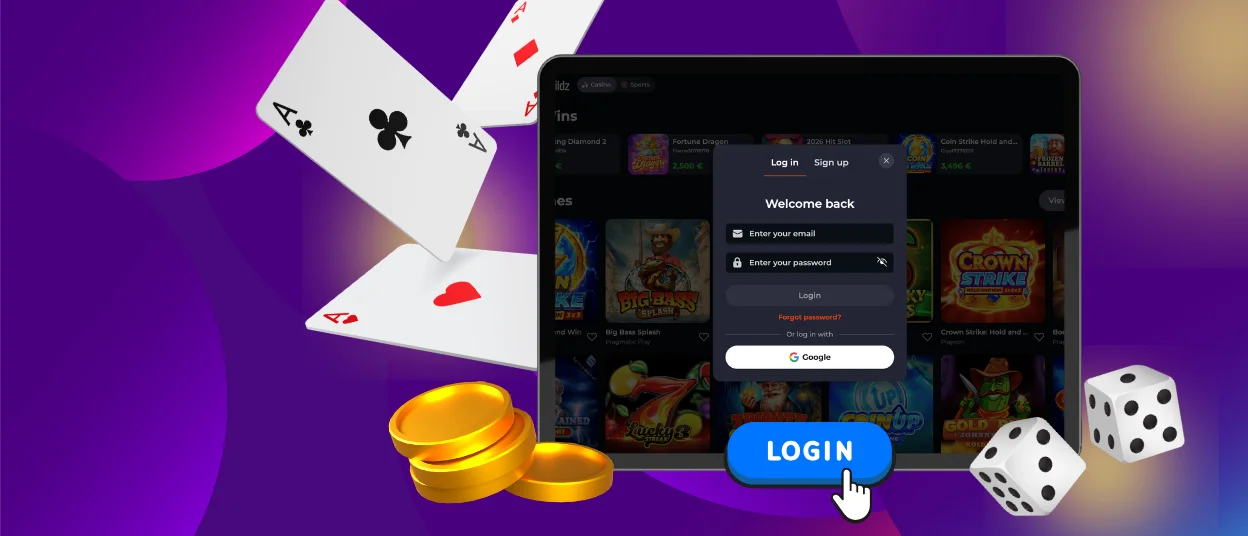
The Blazingwildz login procedure requires only the email and password you chose during registration. Press the Log In button on the homepage, enter your credentials and confirm. If a password slips your mind, the Forgot Password link sends a reset message to your inbox within a minute.
Once inside, your account works as a personal control center for everything you do on our platform. The table below shows the main sections that open after each Blazing Wildz login.
| Account Section | What You Can Do There |
|---|---|
| Wallet | Deposit funds and request withdrawals. Your balance updates in real time after every transaction. |
| History | Review past gaming sessions together with a full record of your payments. |
| Profile Settings | Update contact details and manage your password whenever you wish. |
| Security | Enable two-factor authentication and end active sessions on other devices remotely. |
Blazingwildz Verification
Our verification process, also known as KYC, confirms your identity and protects your funds. We ask every player to complete it before the first withdrawal. The review confirms your legal age and keeps each payment tied to its rightful owner. It also speeds up future withdrawals because approved accounts pass payment checks much faster.
| Document Type | Accepted Examples | Key Requirement |
|---|---|---|
| Identity | Passport or national ID card | The document must be valid, with all four corners visible. |
| Address | Utility bill or bank statement | The file must be issued within the last three months. |
| Payment | Card photo or e-wallet screenshot | Your full name must match your registration details. |
Most checks finish within 24 hours. Once approved, your Blazingwildz account unlocks full withdrawal limits and access to every promotion. Our Support Team guides you through live chat if a file needs a clearer photo, so the process stays quick and stress-free.
Checking Login History and Session Records
Your profile at Blazingwildz Casino stores a detailed record of every sign-in. The security section lists the date and the device of each session, together with an approximate location. This overview makes it easy to spot unfamiliar activity right away.
A short weekly look at this list keeps your account safe. If a session looks unfamiliar, change your password immediately and contact our Support Team through live chat. Agents provide multilingual support around the clock, so help arrives in your preferred language at any hour. You can also end all other active sessions with one click from the security section, which instantly signs out every device except the one in your hands.
FAQ
Can I register at Blazingwildz using Google or Facebook?
Blazingwildz offers two ways to register: the standard email form and a Google sign-up option. A dedicated Google button on the registration page lets you create an account in seconds using your existing Google credentials, skipping the need to type a new password. This option works well for players who want a faster sign-up process.
How do I reset my Blazing Wildz password?
Open the login window on our homepage and press the Forgot Password link. Enter the email connected to your account, and we will send a reset message within a minute. Follow the link inside it, create a new password and sign in again. For extra safety, pick a fresh combination that you keep exclusive to our platform.
My Blazingwildz KYC was declined – what should I do?
The most common reasons for a declined check are a blurred photo or an expired document. Upload a fresh, well-lit image in which your name matches your registration details and every corner of the document stays visible. Our Support Team reviews resubmitted files with priority, and live chat agents explain exactly which file caused the issue.


